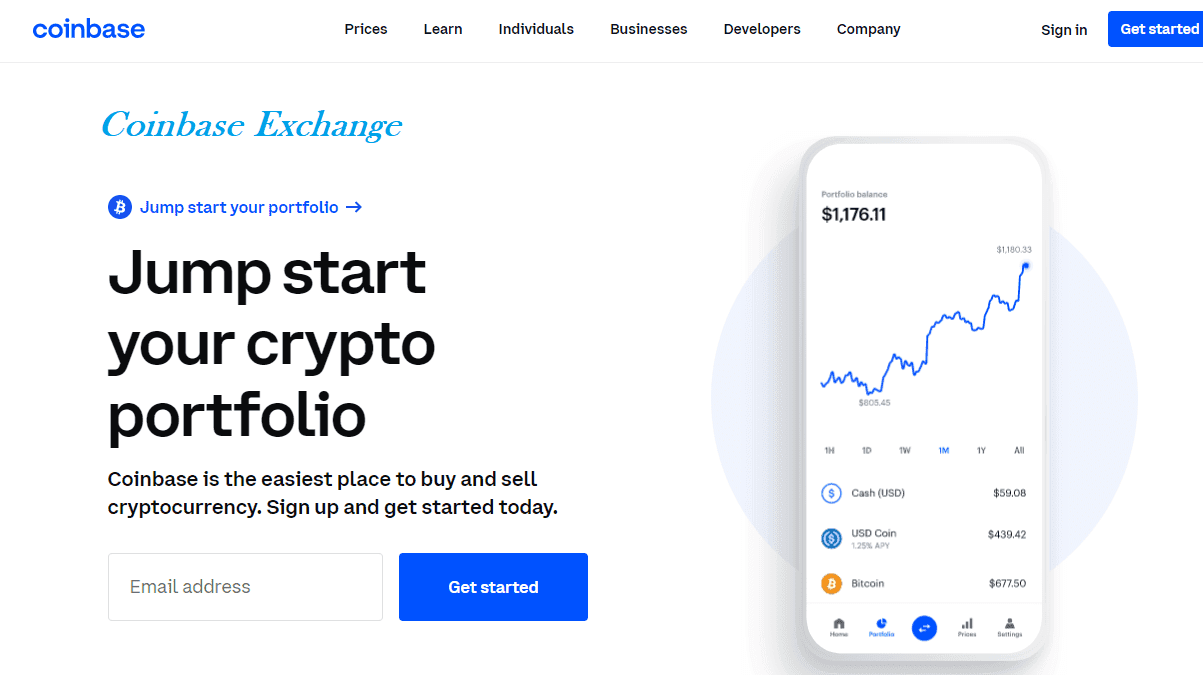
Login to Coinbase Pro – Official Portal
Coinbase Pro is designed for users who want more control over cryptocurrency trading, including advanced charts, order types, and lower fees. To access these tools, users first need to log in through the official Coinbase Pro portal. A secure login ensures that personal information and digital assets remain protected.
This guide explains how to log in, what to do if something goes wrong, and how to keep your account safe.
How to Log In Through the Official Portal
Logging in is straightforward and takes only a few steps.
Go to the official Coinbase Pro website
Select the Sign In option
Enter your registered email address
Enter your password
Complete two-step verification if asked
After verification, you’ll be taken to your trading dashboard where you can deposit funds, trade, and view balances.
Using Coinbase and Coinbase Pro Accounts
Coinbase and Coinbase Pro share the same account credentials. If you already have a Coinbase account, there’s no need to create a new one. You simply log in to the Coinbase Pro portal using the same email and password.
Funds can be easily transferred between Coinbase and Coinbase Pro inside your account.
Two-Step Verification During Login
For extra security, Coinbase Pro uses two-step verification. After entering your password, you may be asked for:
an authentication app code
an SMS code
a security key
This additional step protects accounts even if someone discovers your password.
Common Login Problems and How to Fix Them
Sometimes users experience trouble accessing their account. Most issues fall into a few simple categories.
Forgotten password
Use the Forgot Password option on the login page to reset your password through email.
Two-step code not working
Make sure your phone time is set automatically. If using an app, resync or generate a new code.
Account temporarily locked
Multiple incorrect attempts can trigger a security lock. Waiting for the timeout or contacting support usually resolves this.
Wrong website
Many login issues come from being on unofficial pages. Always check the address before signing in.
Tips to Keep Your Login Safe
A secure login protects everything inside your account. These simple habits help reduce risk:
Do not share your password or verification codes
Avoid logging in on public or shared computers
Bookmark the official portal instead of clicking random links
Create a strong password and change it periodically
Use an authentication app rather than SMS when possible
Staying cautious online goes a long way toward protecting your funds.
When to Contact Support
Support should be contacted if:
you believe someone accessed your account
your login credentials no longer work
you cannot reset your password
suspicious activity appears in your account
Always use official support channels only. Avoid people claiming to be “helpers” on social media.
Final Thoughts
The official Coinbase Pro login portal is the secure doorway into advanced trading features. Understanding how to log in, how to handle common issues, and how to protect your account helps ensure a smooth experience.